A jewelry launch can lose momentum before the first order if the product images do not answer the questions shoppers have at a glance: What does the metal really look like? How does the stone sparkle? Is this ring delicate or substantial? This jewelry collection launch guide gives designers, retailers, and growing e-commerce brands a practical production plan for presenting a new collection with clarity, consistency, and commercial impact.
The strongest launch assets do more than make jewelry look attractive. They reduce hesitation, establish a recognizable brand standard, and give your sales team, website, marketplaces, and social channels material they can use immediately. The right mix depends on your collection, price point, audience, and sales channels, but planning photography before inventory arrives is almost always less expensive than rebuilding a campaign after launch.
Start With the Collection Story and Sales Goal
Before selecting backgrounds, props, or models, decide what the collection needs to communicate. A bridal capsule may need precise diamond detail, scale references, and a polished luxury presentation. A fashion-forward vermeil collection may benefit from expressive hand-model images and social-first video. A wholesale line may need clean, standardized catalog photographs that buyers can scan quickly.
Write down the core message in one clear sentence. It might be architectural gold jewelry for everyday wear, responsibly sourced gemstone color, or heirloom-level craftsmanship. That decision should guide styling, cropping, retouching, and the amount of creative imagery you commission.
Also identify where customers will first encounter the collection. Product-detail pages need a reliable set of descriptive images. Instagram and paid social need immediate visual impact. Amazon and other marketplaces often favor clean white-background coverage. A lookbook, retailer presentation, or press release may need more editorial art direction. One shoot can support all of these uses, but only if the shot list is built around them from the beginning.
Build the Product Shot List Before Photography Begins
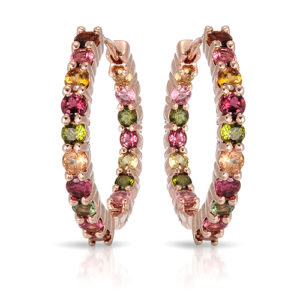
A launch-ready catalog should make each piece easy to evaluate. For most jewelry, that means a primary front view, alternate angles, close-ups of meaningful details, and at least one image that establishes scale. Rings often need top, profile, and gallery views. Earrings need a clear paired view plus an angle that shows depth or movement. Necklaces need a full-length view, clasp or pendant detail when relevant, and a model or styling image if length is a selling point.
The exact number of images is not fixed. A simple silver hoop may need three or four strong views. A high-value diamond ring with a detailed setting, engraving, and side stones may need six or more. The goal is not to create image volume for its own sake. It is to remove questions that could stop a shopper from adding the item to cart.
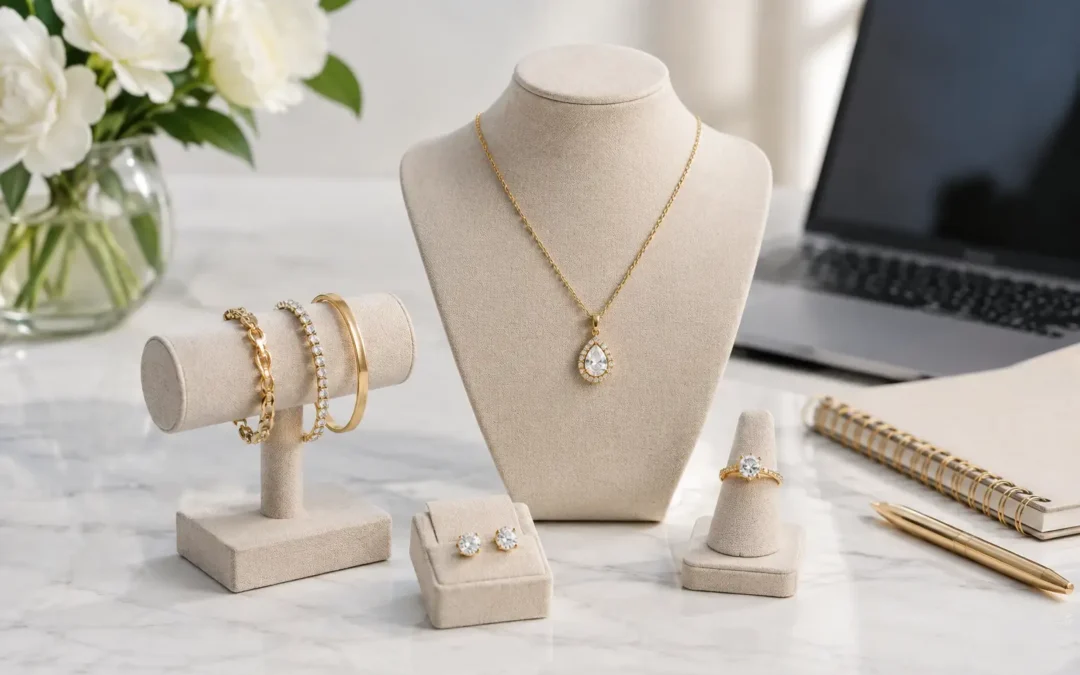
At TN Connections, we recommend organizing pieces by product family before the shoot. This helps maintain matching camera height, lighting direction, crop, scale, and retouching across rings, necklaces, bracelets, and earrings. Catalog consistency makes a collection look established, even when it is a designer's first launch.
Choose the Right Image Types
| Image type | What it does | Best use |
|---|---|---|
| White-background product image | Shows shape, material, and detail clearly | Product pages, wholesale, marketplaces |
| Detail macro image | Reveals stone setting, texture, engraving, and craftsmanship | Fine jewelry and premium product pages |
| Hand or model image | Shows scale, fit, and personality | Rings, bracelets, earrings, necklaces |
| Creative campaign image | Builds mood and visual differentiation | Homepage banners, lookbooks, ads, social |
| 360-degree or short product video | Shows dimension and sparkle from multiple angles | High-consideration pieces and social media |
For many launches, the most practical combination is a complete white-background catalog plus a smaller set of model or creative campaign images. That approach protects your e-commerce basics while giving the collection a more distinctive presence in marketing.
Plan Lighting Around the Jewelry, Not a Generic Setup
Jewelry photography is a control problem. Polished metal reflects everything around it, diamonds can turn dark or flat without careful light placement, and colored stones can shift in color under the wrong lighting. A general product setup may produce a recognizable ring or pendant, but it will not necessarily represent the piece at its best.
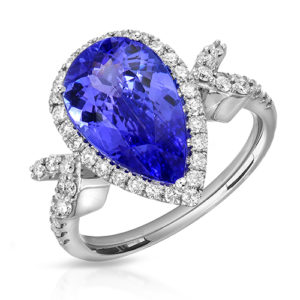
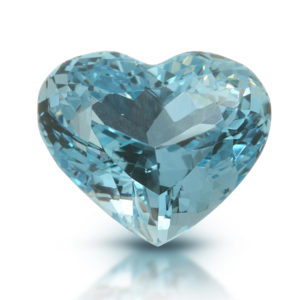
Gold needs controlled highlights that define form without creating distracting hotspots. White metals need enough edge separation to avoid disappearing into a pale background. Diamonds require lighting that balances bright facets, crisp shape, and believable fire. Gemstones need color handled carefully: a sapphire should look rich, not overly saturated; an emerald should retain its character without appearing murky; and a translucent stone may need a different approach from an opaque cabochon.
This is also where honest representation matters. Excessive editing can create a short-term visual boost but can lead to disappointment when a customer receives the piece. Professional jewelry retouching should remove dust, scratches, fingerprints, support materials, and distracting reflections while preserving the actual cut, color, and material qualities of the jewelry.
Set a Production Schedule That Leaves Room for Review
Photography should be scheduled around your launch date, not squeezed into the final few days. Allow time for inventory intake, cleaning and steaming, photography, retouching, review, revisions, file delivery, and uploading. If packaging, web development, or paid advertising is also in progress, build in extra time so one late decision does not affect the entire launch.
For a straightforward catalog, production can move quickly once the pieces, shot list, and visual references are approved. A luxury campaign with models, complex styling, custom sets, or video requires more preproduction. Neither route is better by default. It depends on whether the collection needs broad product coverage, high-fashion storytelling, or both.
Send the photography team a simple launch brief before the shoot. Include your SKU list, metal and gemstone specifications, desired image dimensions, reference images, existing catalog examples, and priority pieces. If you are matching an established collection, provide examples of its current crop, shadow treatment, and background tone. Matching a visual system takes intentional setup, not guesswork.
Treat Retouching as Part of the Product Experience
Retouching is where raw capture becomes polished sales imagery, but it should follow a consistent standard. For catalog images, consistency may include clean white backgrounds, balanced metal tone, corrected dust and minor imperfections, matched scale, and uniform shadows. For campaign images, retouching may also involve more detailed cleanup, skin refinement, color grading, and compositing.
Ask what is included before approving a quote. Some projects need basic cleanup across a large number of SKUs. Others need high-end work on hero pieces, especially when macro images reveal every tiny imperfection. A sensible approach is often to use efficient catalog retouching for the full assortment and reserve more extensive work for advertising images, homepage banners, and key product launches.
File delivery matters, too. Keep high-resolution master files for print, large banners, and future use, then create web-ready versions sized for your platform. Clear naming by SKU and view makes uploading easier for your team and prevents costly errors when a collection expands.
Prepare for Website, Marketplace, and Social Requirements
Your product page should give shoppers enough visual information to buy without visiting a store. Use the primary image consistently across collection pages, then sequence alternate images logically: overall view, side or back view, detail, scale, and model image where useful. Avoid placing a dramatic lifestyle photograph first if it hides the product's shape.
Marketplace requirements may limit backgrounds, props, text overlays, or image treatments. Build those compliant images into the shot list rather than trying to crop campaign photos into catalog assets later. Shopify and direct-to-consumer sites allow more visual freedom, but clean product images still carry the purchase decision.
Short-form video deserves consideration for pieces with movement, dimension, or exceptional stone play. A rotating pendant, a ring turning under controlled light, or earrings worn by a model can communicate more than another still frame. Video is not necessary for every SKU, especially on a large volume launch, but it can be highly effective for bestsellers and hero designs.
Work With a Jewelry Photography Specialist
A successful launch depends on preparation, but the production partner also affects how smoothly it runs. In our Downtown Los Angeles Jewelry District studio, we photograph fine jewelry, diamonds, colored gemstones, watches, and commercial e-commerce collections with jewelry-specific lighting, macro techniques, and professional retouching. Local clients can work with us directly, while nationwide brands can send collections through a managed mail-in process.
Whether you are launching a small designer capsule or a large wholesale catalog, ask for a quote based on the number of pieces, required angles, retouching level, model needs, and video requirements. Volume catalog pricing can start at $12 per image when applicable, while high-end campaign work is quoted around its production needs. Request a free quote early enough to make photography a planned part of the launch, not the final obstacle before it.
Your collection only gets one first impression. Give every piece the lighting, angles, and finish needed to make that first impression feel as considered as the jewelry itself.